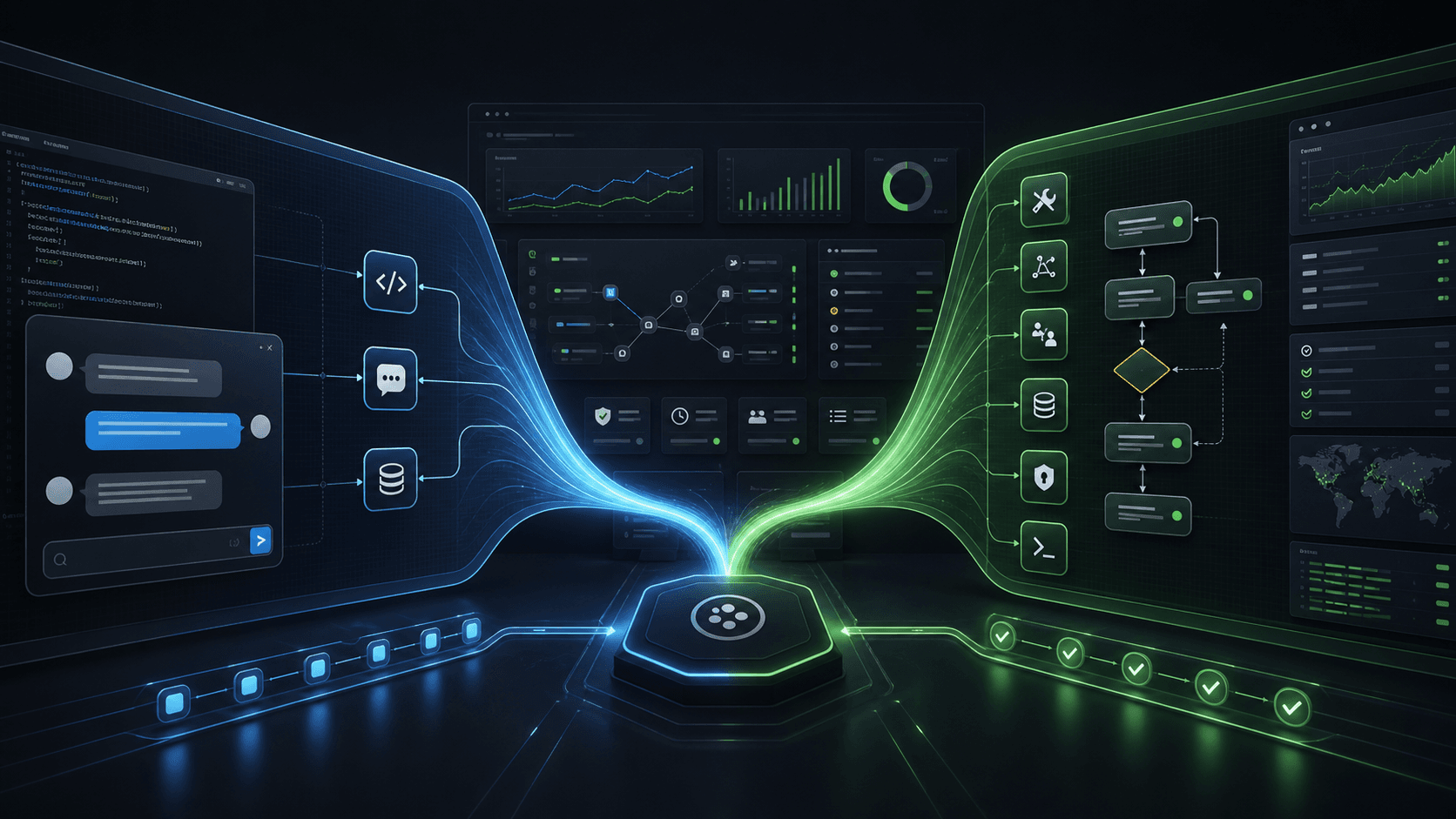
Small businesses do not need another dashboard that only explains what happened. They need a way to turn context into action: connect the tools they already use, give specialist agents scoped capabilities, and keep humans in control when work touches customers, money, publishing, or operations.
That is the shift Zeiko is making. Zeiko is the AI workplace for business operations: a shared-brain workspace where owners install business plugins, deploy manager and specialist agents, and run repeatable workflows from chat, channels, API, CLI, SDK, and MCP.
What is an AI workplace?
An AI workplace is the operating layer for an AI workforce. It brings together:
- Manager agents that understand broad goals, choose specialists, monitor progress, and report outcomes.
- Specialist agents for focused work such as Shopify operations, reseller setup, discount planning, YouTube research, support triage, social publishing, reporting, and finance review.
- Plugins that package integrations, tools, workflow steps, shared-brain context, generated docs, MCP surfaces, UI renderers, evals, and billing gates.
- Workflows that make recurring work repeatable instead of prompt-only.
- Approvals and audit history so risky, financial, destructive, external-publish, or customer-contact actions stay tied to a human owner.
Chat is still useful, but it is not the product by itself. Chat is the fastest command surface for waking the right workforce.
Why small businesses need this model
Small teams already run across too many tools: Shopify, Stripe, spreadsheets, Slack, Gmail, social publishing tools, website widgets, and internal dashboards. A single assistant that “knows everything” quickly becomes hard to trust because its permissions, memory, and side effects are unclear.
The workplace model keeps broad capability without creating one overpowered agent:
- Shopify work can go through Zeiko Ecommerce, Shopify Operator, Discount Strategist, Reseller Manager, and Finance Guard.
- Content work can go through Zeiko Creative, Creative Research, Script Writer, and Social Publisher.
- Support work can go through a Support Front Desk agent, escalation rules, handoff workflows, and channel-specific policies.
- Reporting work can use shared-brain context and generated evidence instead of one-off exports.
The owner sees what is installed, which specialists can act, what each workflow can touch, what needs approval, and what happened afterward.
The core pieces to evaluate
1. Plugin scope
Each plugin should declare what it unlocks. A real business plugin includes more than credentials:
- connection and health checks
- tool and workflow-step definitions
- shared-brain read/write rules
- MCP resources and tools
- generated docs, CLI, SDK, and
llms.txt metadata - approval and risk policy
- smoke tests and rollout gates
This lets external assistants and internal agents discover the same capabilities from one catalog.
2. Specialist boundaries
No agent should be broadly capable by default. A specialist should have a clear job, clear tools, and clear limits. The company becomes capable through composition: managers delegate to specialists, specialists run scoped tools and workflows, and plugins provide the capability packs.
3. Approval-aware execution
Small businesses can automate more when the system knows when to pause. Safe read-only work can run quickly. Risky work can create an approval. Destructive or financial work can require a human owner. Where possible, the system should also preserve idempotency keys, rollback context, or repair actions.
4. Shared-brain context
Agents need durable business context, but that context must have ownership rules. Customer data, order history, product catalog, policies, memories, workflow state, approvals, and channel history should be available to the right specialists without becoming an unbounded memory dump.
5. Generated surfaces
If the system is agent-first, the same catalog should power:
- chat and channels
- MCP
- CLI
- SDK
- generated docs
llms.txt- generated UI cards, tables, forms, approvals, and run timelines
That is what makes the product usable by humans and external assistants without each surface inventing its own contract.
A practical starting path
- Choose a starting workforce blueprint, not a permanent product box.
- Install only the required plugins for the first workflow.
- Connect provider accounts and verify health checks.
- Run the first workflow from chat with a clear starter command.
- Review the generated timeline, approvals, and audit trail.
- Add more blueprints as the business expands.
For example, a Shopify team can start with Zeiko Ecommerce, then add Zeiko Creative, Zeiko Support, Social Publishing, or Zeiko Intelligence later. The account focus helps onboarding pick the first blueprint; it should not limit the workspace.
What success looks like
The owner should be able to say a simple command like:
Create a reseller onboarding plan for this store and send me the risky changes for approval.
Behind the scenes, a manager agent can delegate customer and catalog review, finance-sensitive checks, discount planning, approval creation, and final reporting to the right specialists. The result is not only an answer. It is a supervised business run with evidence.
Conclusion
Small businesses should not have to choose between manual dashboards and unsupervised automation. The stronger model is an AI workplace: installed plugins, specialist agents, workflows, shared-brain context, approvals, audit history, and generated surfaces that external assistants can safely use.
That is the direction Zeiko is building toward: powerful enough for real operations, but understandable enough for a busy owner to command from chat or a phone-first channel.