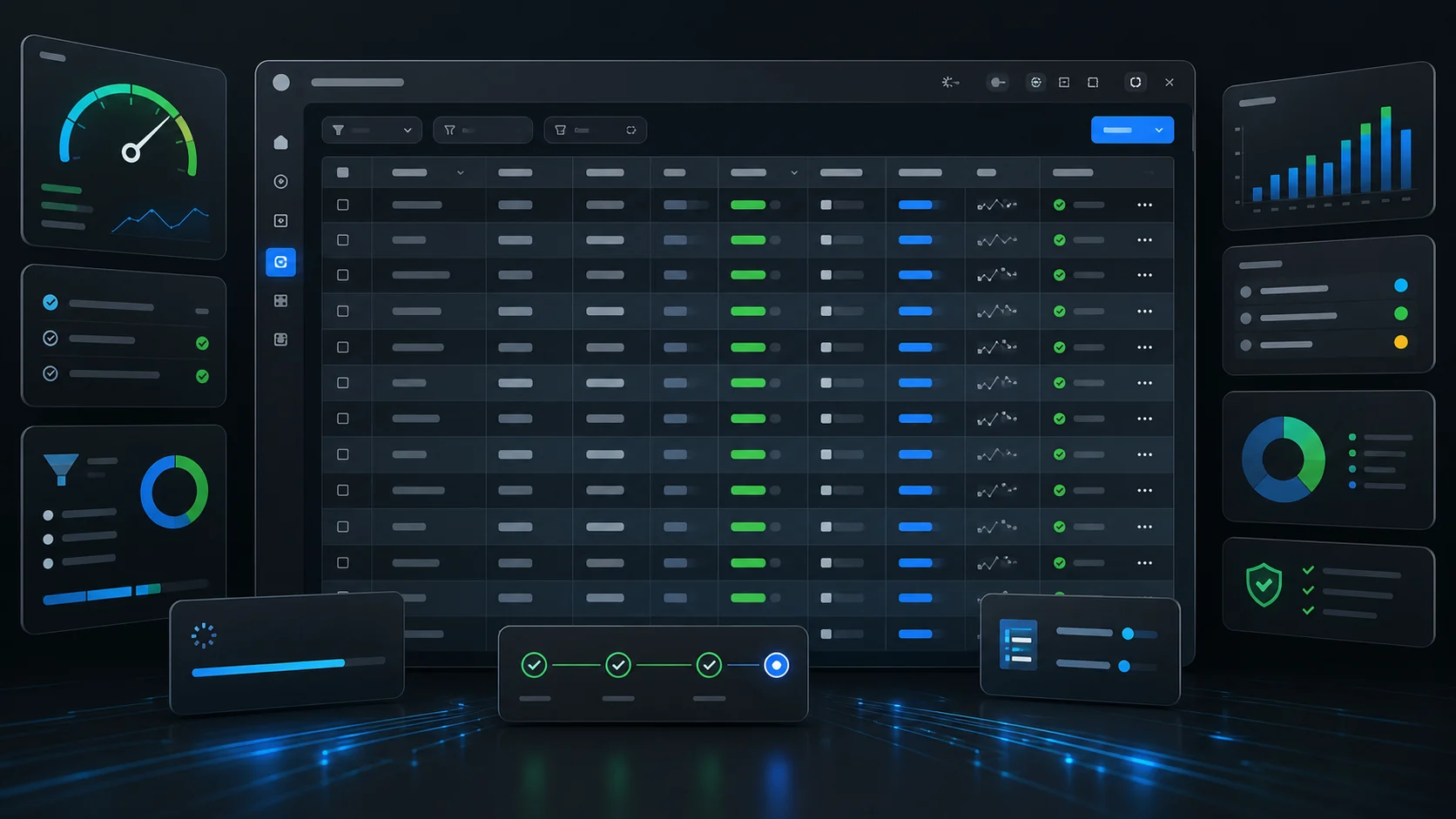
When we reframed Zeiko as an AI workplace for business operations, we knew the humble data table had to keep up. Enterprise customers expect operational surfaces that filter thousands of records instantly, respond to agent-driven queries, and never lose state across views. This post walks through the tuning work we’ve done over the past sprint—work that your team can borrow for any large-scale table UI.
Because Zeiko and Lezgo share this table inside the same monorepo, every fix goes live in both properties immediately—see the SaaS experience at zeiko.io and the partner ecosystem at lezgo.co.
1. Real Query Keys, Real Refetches
Problem: deterministic fetches didn’t always fire. React Query would reuse cached payloads because our key missed subtle changes (e.g., new filters, sort toggles, or pagination).
Fix: we lifted the determinism into useDataTable:
- Every key is derived from
app, context, search, filters, sort, and pagination. - Hash-based
useEffect ensures we refetch when any driver changes—even if the object reference stays stable. - AI queries still skip deterministic refetches; cached AI results get invalidated only when filters & sort diverge from the cached snapshot.
Takeaway: never rely on JSON.stringify sprinkled across components. Centralize key generation and trigger refetches from the hook that owns the state.
2. Reducer-Driven State (No more useState spaghetti)
The table hook now uses a reducer:
const [state, dispatch] = useReducer(reducer, createDefaultState(defaultSort));
Benefits:
- Transition logic lives next to the state.
SET_SEARCH_TEXT, SUBMIT_SEARCH, SET_FILTERS, etc. are explicit. - Dispatch functions are referentially stable, so React Query dependencies stay tight.
- AI query state no longer fights the deterministic search box; we can preserve the “AI: …” badge while typing.
For teams migrating: start by codifying your current states (searchQuery, filters, sort, pagination). Then write a reducer that enforces the invariants you want (e.g., reset pagination on filter changes).
3. Auto-Hide Columns Without Flicker
Auto-hiding empty columns felt magic—until users sorted on untouched datasets. Sorting triggered the hide pass and collapsed every column.
What changed: autoHideEmptyColumnsMode now defaults to 'filtered'. We only hide columns after a filter is applied; pure sorting leaves the layout alone. You can opt back into 'always' when the UX warrants it.
<DataTable
  autoHideEmptyColumns
  autoHideEmptyColumnsMode="filtered"
  {...otherProps}
/>
4. Prefetch Navigation, Not Production Outages
Hover prefetching can speed up tabbed views—but only if it’s bulletproof. We extracted createContactsPrefetchHandler so prefetch logic lives in one tested helper:
- Each view is prefetched once, tracked with a
Set. - Failures clear the cache marker and remove the stale query, so retries don’t surface zombie data.
- Dedicated unit tests assert the helper fires exactly when it should.
const prefetch = createContactsPrefetchHandler({
  queryClient,
  accountId,
  currentView,
});
5. Testing That Mirrors Reality
Vitest runs are now fast (sub-second) after we scoped include patterns to apps/web/__tests__. We also added focused tests:
use-data-table-key.test.ts validates key stability across sort & filter changes.contacts-navigation-prefetch.test.ts ensures hover prefetching and failure handling behave.
If your monorepo suffers from “tests never finish,” audit include globs first; no amount of mocking offsets grabbing every workspace.
6. Developer Experience Upgrades
- Added
SEO_AUTOMATION_TASKS.md to track how feature docs become Keystatic posts. - Documented the new reducer & auto-hide props in
docs/data-table-implementation-updated.md and DATA_TABLE_IMPROVEMENTS.md. - Baked translation requirements (react-i18next and next-intl) into the table template so new modules stay localized.
How to Adopt These Patterns
- Centralize Table State: move pagination/sort/filter into a reducer or at least a shared hook.
- Define Stable Keys: build helper functions for your React Query keys. Tests should fail if a sort toggle doesn’t change the key.
- Guard Backfill Logic: for AI/derived data flows, always reset caches when the context diverges.
- Segment Slow Logic: expensive auto-hide or prefetch code belongs in helpers with memoization and explicit triggers.
- Write Focused Tests: assert state transitions, not entire components. Mock TanStack Table or React Query where possible.
- Document for Humans: update internal docs every time you shift behaviour—future you (and teammates) will thank you.
This sprint hardened the table underpinning Zeiko’s dashboards, but the patterns generalize to any data-heavy UI. If you’re building something similar, borrow the reducer, copy the key helpers, and wrap your navigation prefetches in defensive code. And if you’d rather skip the yak shaving, we’re happy to help—reach out through zeiko.io or the partner team at lezgo.co.